> For the complete documentation index, see [llms.txt](https://panduan.inviday.id/llms.txt). Markdown versions of documentation pages are available by appending `.md` to page URLs; this page is available as [Markdown](https://panduan.inviday.id/en/getting-started/create-an-account/business-account-sign-up.md). Agents can also search and read this documentation through its [MCP server](https://panduan.inviday.id/~gitbook/mcp).
# Sign Up for a Business Account
Finish the Business account onboarding and complete your business profile.
A Business account is for businesses that make invitations for clients, such as wedding organizers, photographers, caterers, makeup artists, or printing shops. The business details you fill in appear in the footer of your clients' invitations, in Studio, and on your business website.
{% stepper %}
{% step %}
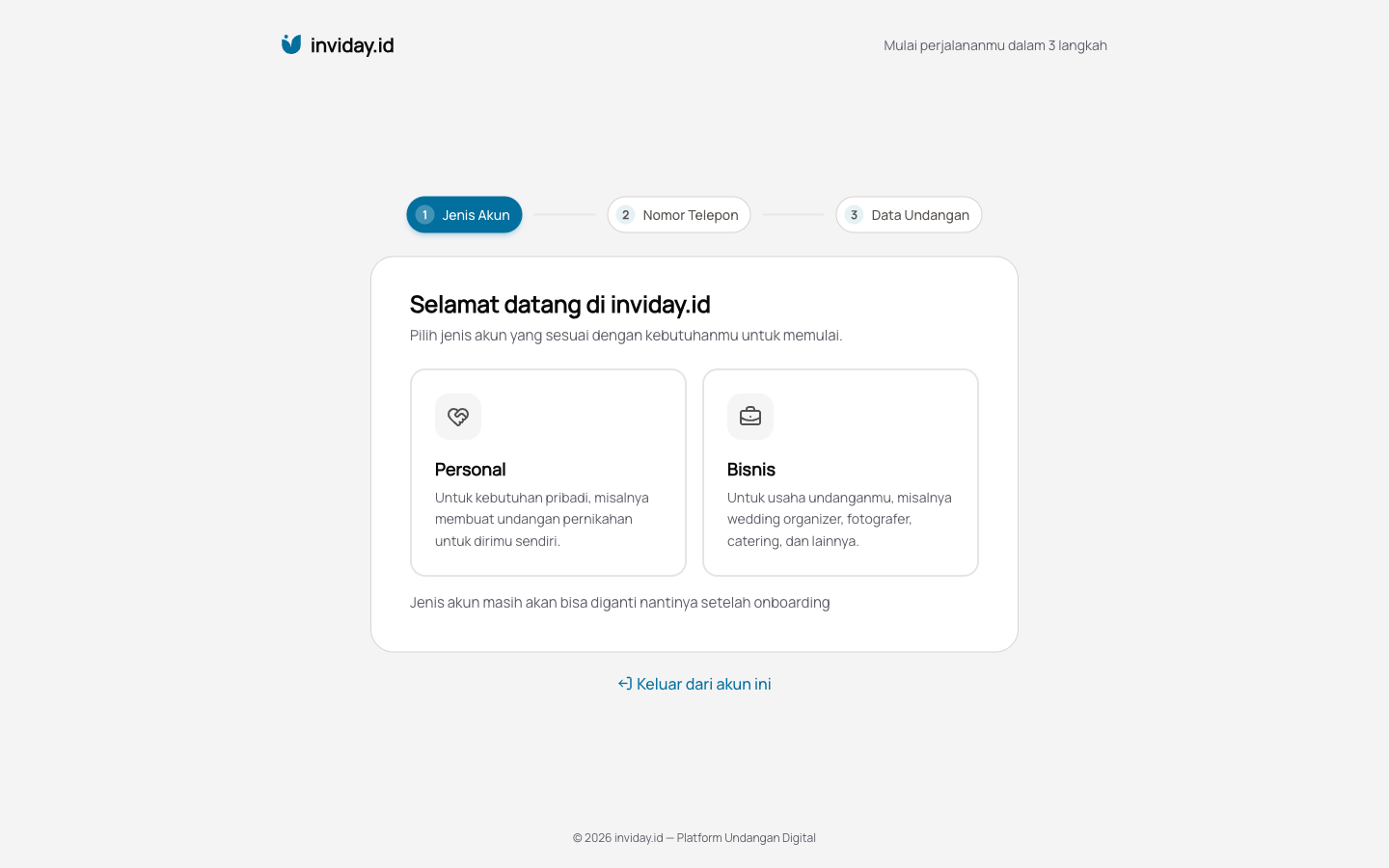
### Choose an account type
Choose **Business**.
Choose an account type
{% endstep %}
{% step %}
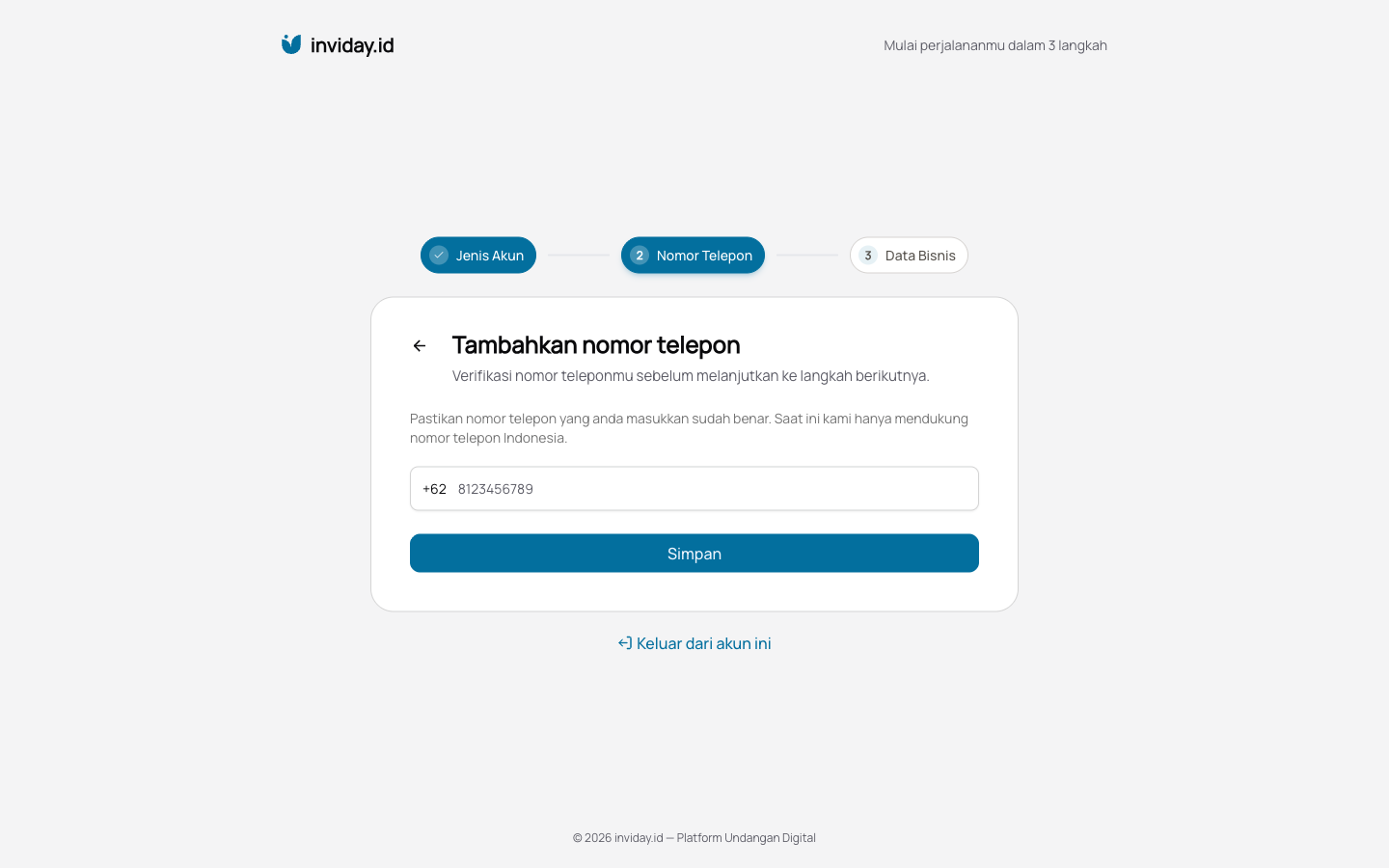
### Add your phone number
Enter your phone number after the +62 code. Only Indonesian numbers are supported for now.
Add your phone number
{% endstep %}
{% step %}
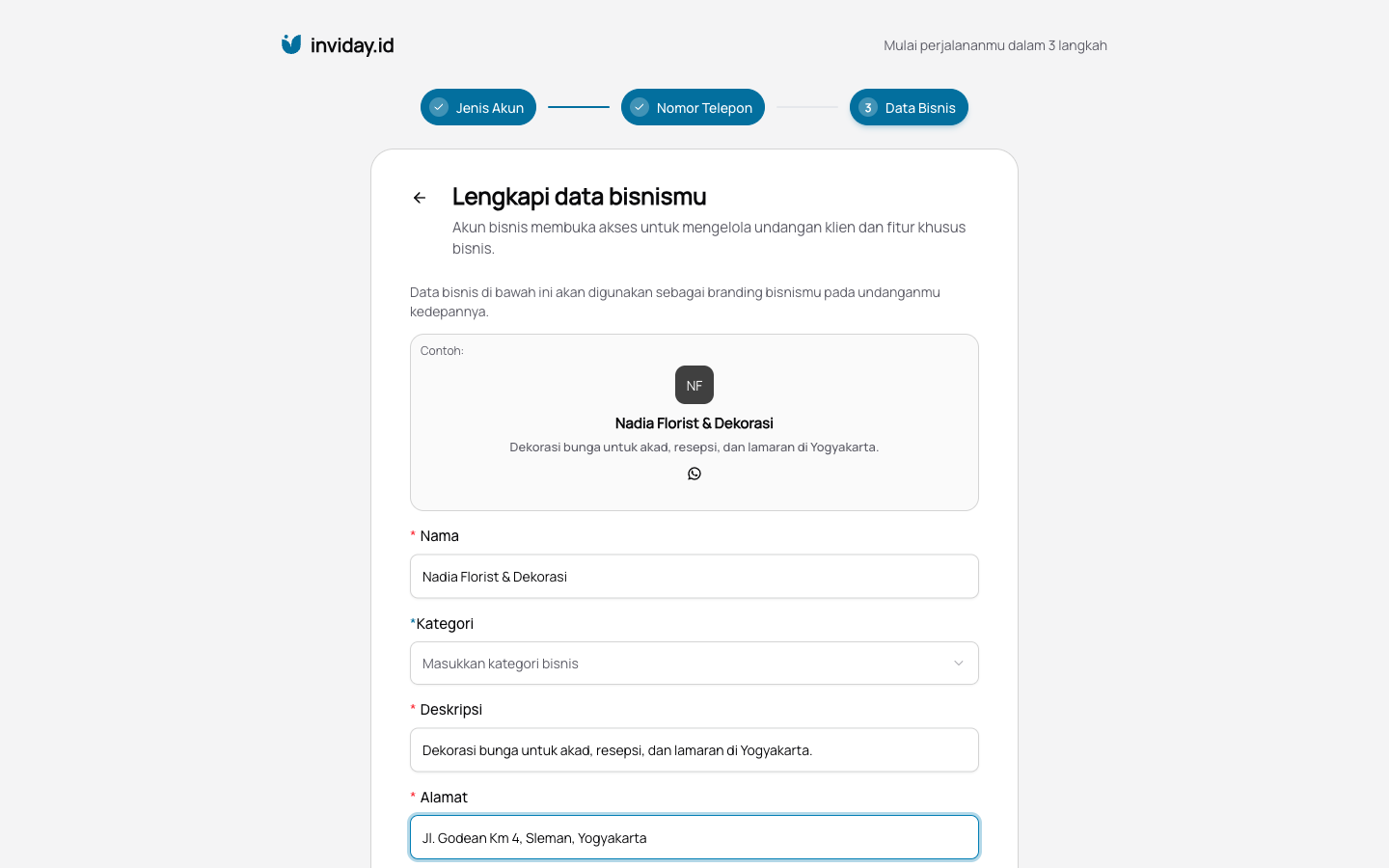
### Complete your business details
Fill in your business name, category, logo, description, address, website, and social media links. The **Example** box above the form shows how it looks on a client's invitation. You can change all of these details later.
Complete your business details
{% endstep %}
{% endstepper %}
When you're done, you land on the Business dashboard. Next steps:
* [Create an invitation for a client](https://panduan.inviday.id/en/getting-started/create-an-invitation.md).
* [Publish your business website](https://panduan.inviday.id/en/account-types/business-website-and-domain.md).
* Learn about the [Partner Program](https://panduan.inviday.id/en/account-types/partner-program.md) for special per-invitation pricing.