> For the complete documentation index, see [llms.txt](https://panduan.inviday.id/llms.txt). Markdown versions of documentation pages are available by appending `.md` to page URLs; this page is available as [Markdown](https://panduan.inviday.id/en/getting-started/create-an-account/personal-account-sign-up.md). Agents can also search and read this documentation through its [MCP server](https://panduan.inviday.id/~gitbook/mcp).
# Sign Up for a Personal Account
Finish the Personal account onboarding and create your first invitation.
A Personal account is for making your own wedding invitation. Its onboarding has three steps and ends with your first invitation.
{% stepper %}
{% step %}
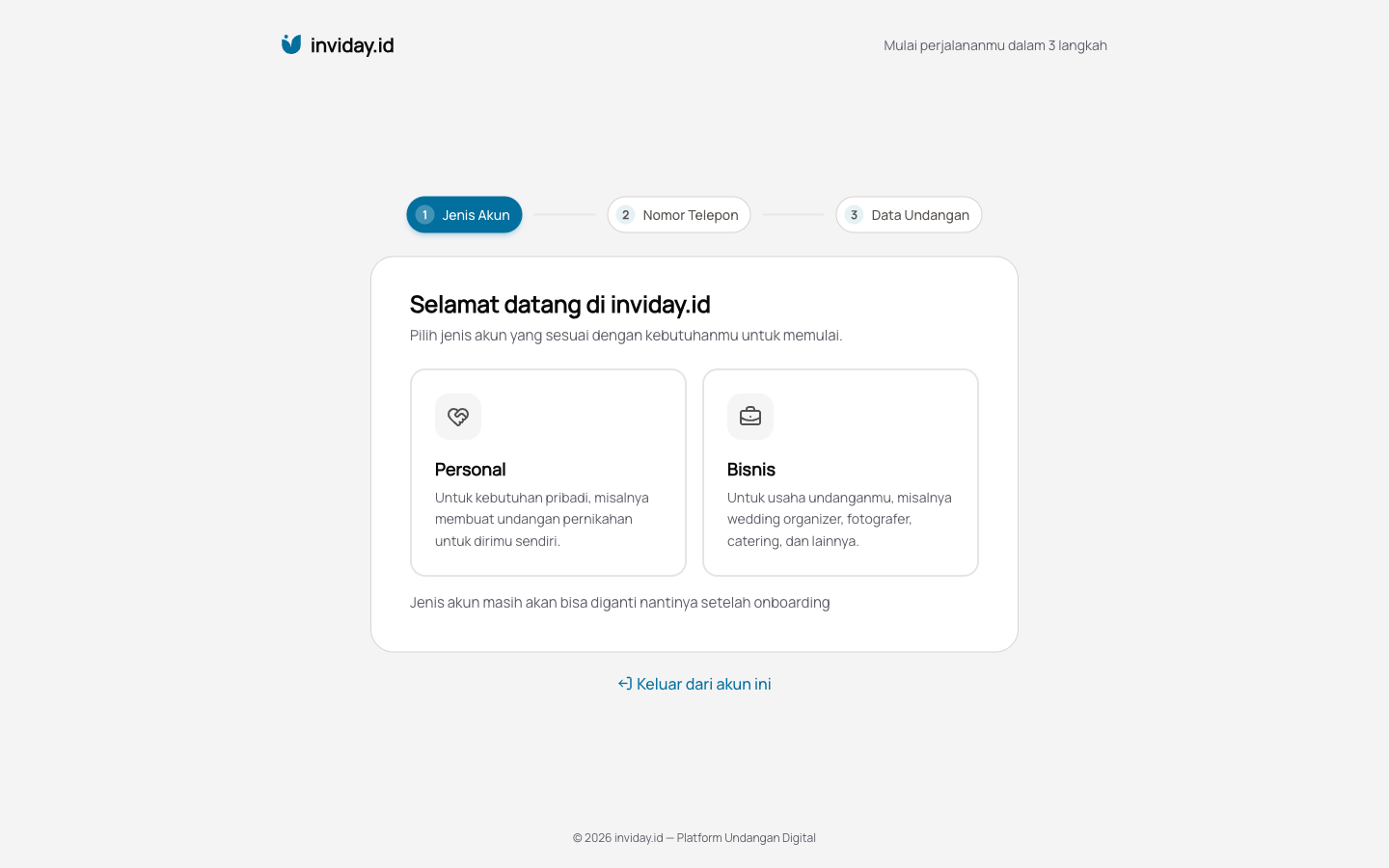
### Choose an account type
Choose **Personal**.
Choose an account type
{% endstep %}
{% step %}
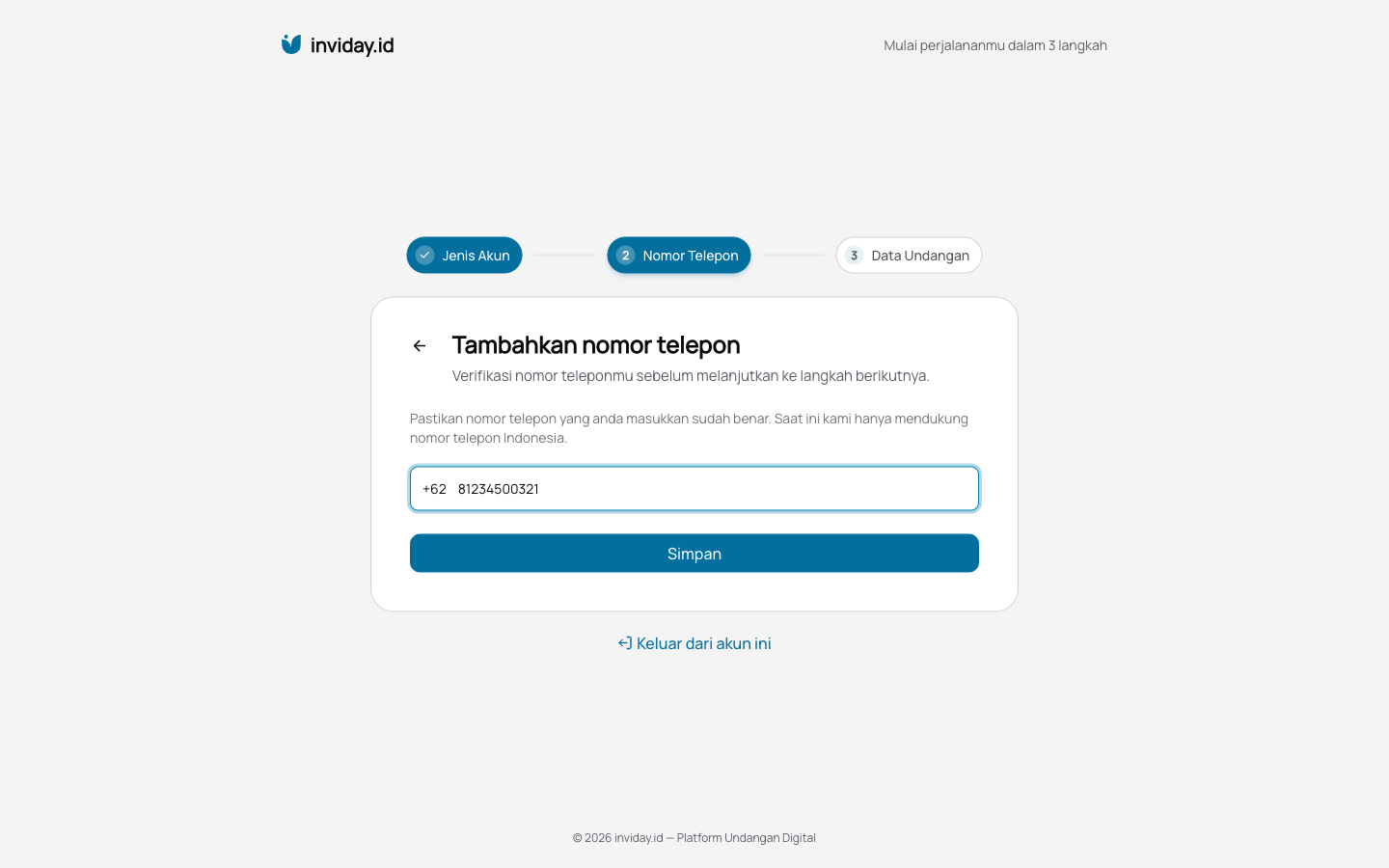
### Add your phone number
Enter your phone number after the +62 code. Only Indonesian numbers are supported for now.
Add your phone number
{% endstep %}
{% step %}
### Create your first invitation
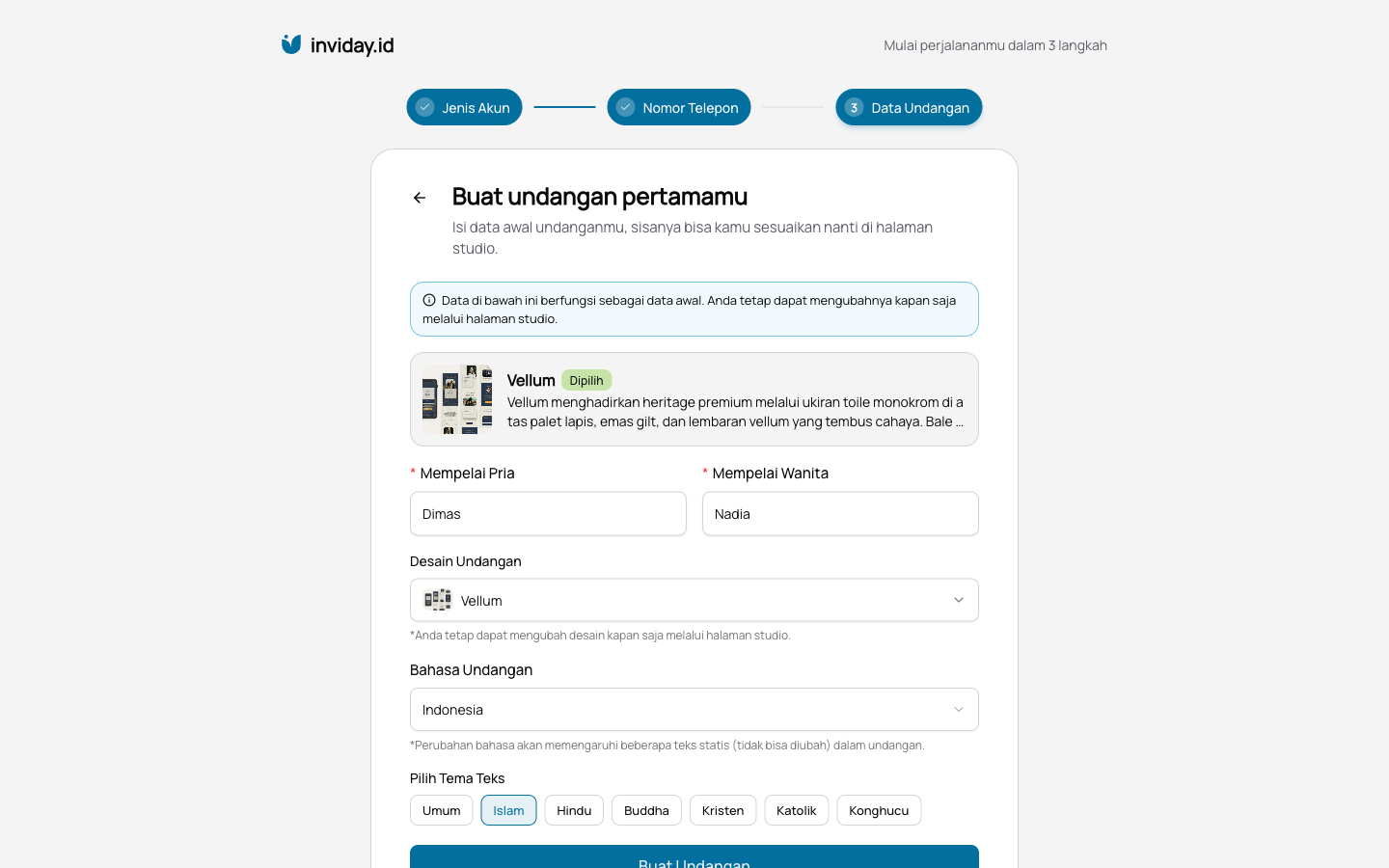
Fill in the invitation's starting details:
* **Design**: you can change it any time in Studio.
* **Groom** and **Bride**: their nicknames, for example Rama and Sinta.
* **Invitation Language**: Indonesian or English.
* **Choose a Text Theme**: General, Islam, Hindu, Buddhism, Christian, Catholic, or Confucian. The theme decides which sample greeting and wish texts are filled in.
Click **Create Invitation**. In a hurry? Click **Create Invitation with Sample Data** to fill in sample details, then replace them in Studio later.
First invitation details
{% endstep %}
{% endstepper %}
When you're done, you land on the Personal dashboard, and your invitation is in its [free trial](https://panduan.inviday.id/en/plans-and-payment/free-trial.md). Continue with [Getting to Know the Dashboard](https://panduan.inviday.id/en/getting-started/dashboard.md).