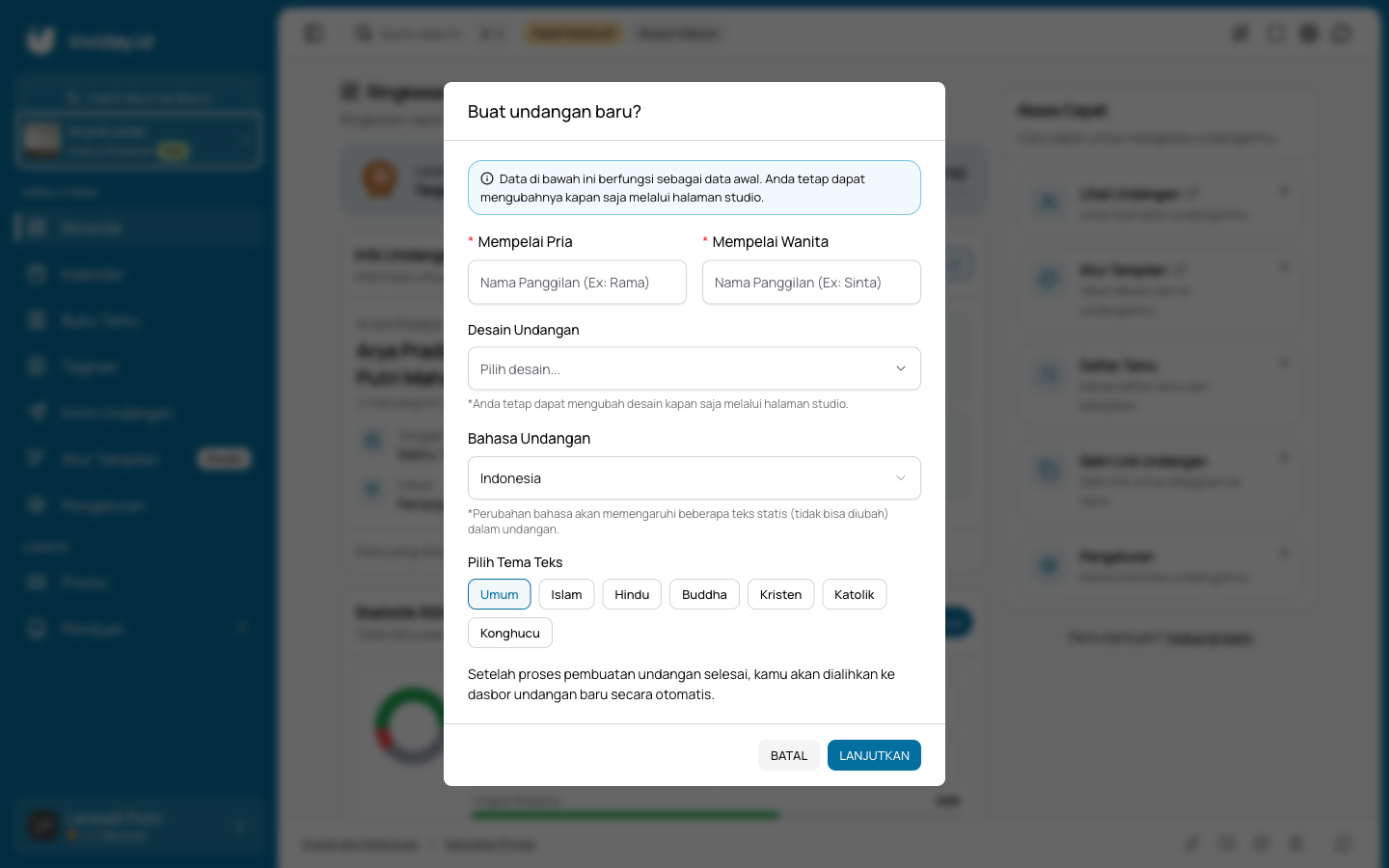
The Create new invitation window
space.vars.trial\_days-day free trial](https://panduan.inviday.id/en/plans-and-payment/free-trial.md). A Personal account's first invitation is created during onboarding; this guide covers the ones after it.
## From the dashboard
{% stepper %}
{% step %}
### Open the invitation picker
In the dashboard's left sidebar, click the invitation info card (the one with a down arrow), then click **Create new invitation**.
{% endstep %}
{% step %}
### Fill in the invitation details
Enter the **Groom** and **Bride** nicknames, choose an **Invitation Design** and **Invitation Language**, then **Choose a Text Theme**. These are only starting details, and you can change all of them later in Studio.
The Create new invitation window
space.vars.default\_event\_months months after the day you create it. Replace it with your event date in the [Event List](https://panduan.inviday.id/en/studio/event-list.md#main-event) before you pay: once it's paid, the date can only be changed up to space.vars.date\_change\_limit times.
{% endhint %}
## From the design catalog
Want to pick a design first? Open the **Designs** menu in the Business dashboard, or the [design catalog](https://inviday.id/en/designs) on inviday.id. Open the preview of a design you like, then create an invitation with it.
## Invitation creation limits
To prevent abuse, the number of unpaid invitations is limited:
| Limit | Regular users | Partners |
| ------------------------------------------------- | ------------- | -------- |
| Unpaid invitations at the same time | 3 | 3 |
| New invitations (unpaid or canceled) per 24 hours | 5 | 20 |
Paid invitations don't count. If you reach a limit, pay for an invitation or wait for one of your orders to end before creating a new one.
## Next
* [Get to know Studio](https://panduan.inviday.id/en/studio/about-studio.md) to start setting up your invitation.
* [Pay for your invitation](https://panduan.inviday.id/en/plans-and-payment/payment.md) to keep it active for good.