> For the complete documentation index, see [llms.txt](https://panduan.inviday.id/llms.txt). Markdown versions of documentation pages are available by appending `.md` to page URLs; this page is available as [Markdown](https://panduan.inviday.id/en/welcome.md). Agents can also search and read this documentation through its [MCP server](https://panduan.inviday.id/~gitbook/mcp).

# Welcome

How to create, set up, and share a digital wedding invitation on inviday.id.

inviday.id is a digital wedding invitation platform. You choose a design, fill in the event and couple details in Studio, then send a personal invitation link to each guest. From that one link, guests can open the invitation, see the venue, confirm their attendance (RSVP), leave a wish, and send a gift.

This guide is written for two kinds of users:

* **Couples and families** who make their own wedding invitation (Personal account).
* **Invitation businesses** such as wedding organizers, photographers, or printing shops that make invitations for clients (Business and Partner accounts).

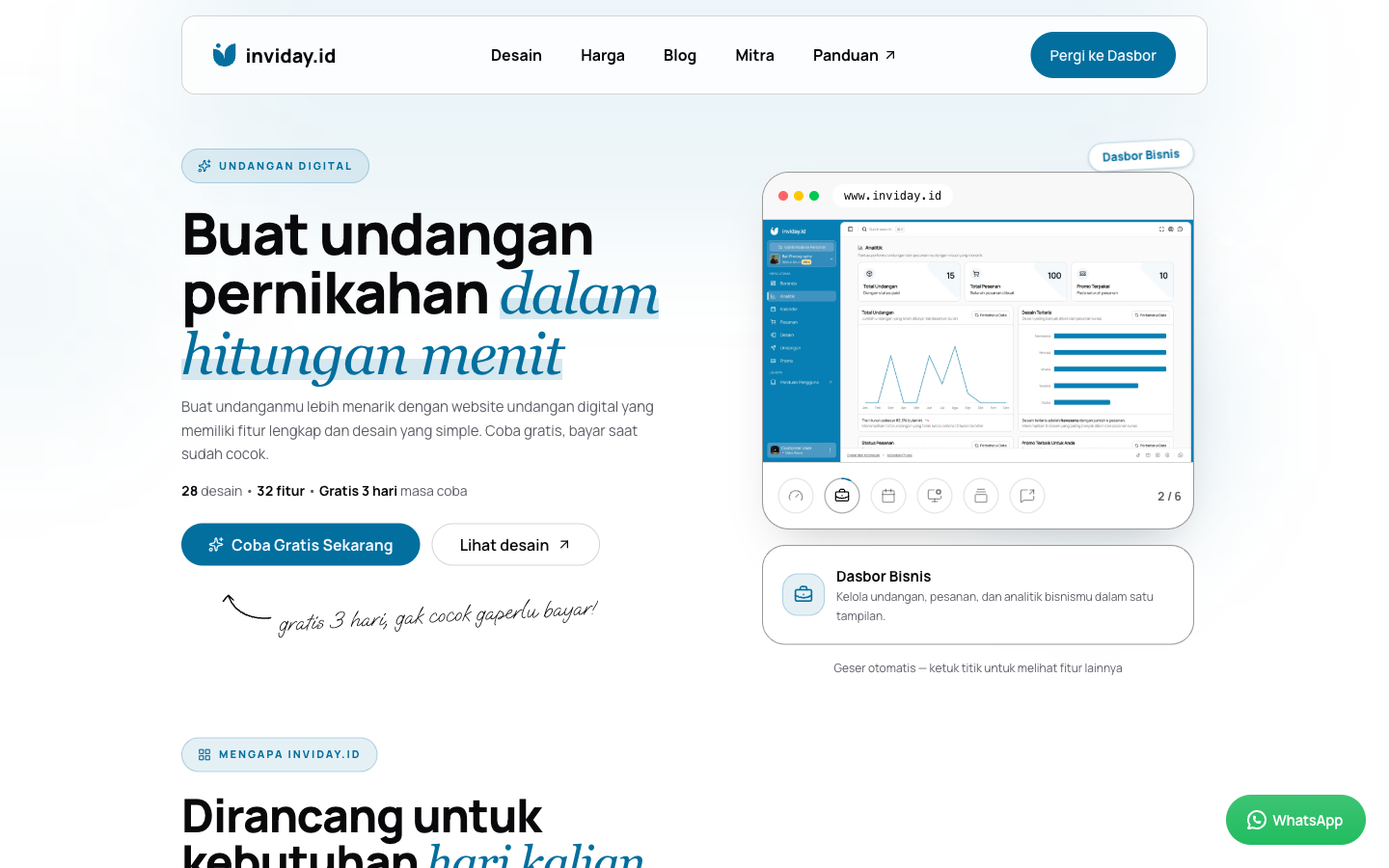
<figure><img src="https://content.gitbook.com/content/W7QvsP5yqX9K1k6YI03Q/blobs/NCHDl7igOVbkynX4Mhcz/inviday-landing.png" alt="The inviday.id home page"><figcaption><p>The inviday.id home page</p></figcaption></figure>

## Start here

<table data-view="cards"><thead><tr><th></th><th></th><th data-hidden data-card-target data-type="content-ref"></th></tr></thead><tbody><tr><td><strong>Create an account</strong></td><td>Sign up with email or Google, then finish the three-step onboarding.</td><td><a href="https://panduan.inviday.id/en/getting-started/create-an-account.md">Create an Account</a></td></tr><tr><td><strong>Create an invitation</strong></td><td>Choose a design, enter the couple's nicknames, and start the free trial.</td><td><a href="https://panduan.inviday.id/en/getting-started/create-an-invitation.md">Create an Invitation</a></td></tr><tr><td><strong>Set up your invitation in Studio</strong></td><td>Change texts, photos, and the order of sections right in the preview.</td><td><a href="https://panduan.inviday.id/en/studio/edit-in-the-preview.md">Edit in the Preview</a></td></tr><tr><td><strong>Send your invitation</strong></td><td>Send personal links over WhatsApp or print a QR code.</td><td><a href="https://panduan.inviday.id/en/guests-and-sharing/send-invitations.md">Send Invitations</a></td></tr></tbody></table>

## The flow at a glance

```mermaid
flowchart LR
    A[Sign up] --> B[Create an invitation]
    B --> C[Set it up in Studio]
    C --> D[Pay before the free trial ends]
    D --> E[Send it to guests]
    E --> F[Follow RSVPs and wishes]
```

## What to know from the start

* **Every invitation starts with a** <code class="expression">space.vars.trial\_days</code>**-day free trial.** Pay before it ends to keep the invitation active for good. If it isn't paid, the order is canceled automatically. See [Free Trial](https://panduan.inviday.id/en/plans-and-payment/free-trial.md).
* **Features depend on the plan.** There are three plans: Basic, Premium, and Exclusive. See [Invitation Plans](https://panduan.inviday.id/en/plans-and-payment/invitation-plans.md).
* **Every paid invitation raises your level.** A higher level gives you an automatic discount on your next invitations. See [User Levels](https://panduan.inviday.id/en/getting-started/user-levels.md).
* **Changes in Studio are kept as a draft** until you press **Save**, so guests never see an unfinished invitation. See [Edit in the Preview](https://panduan.inviday.id/en/studio/edit-in-the-preview.md).

Have a question? Open the [Help Center](https://panduan.inviday.id/en/more/help-center.md).
